The Pre-Season Compliance Checklist Every Youth Sports League Administrator Needs
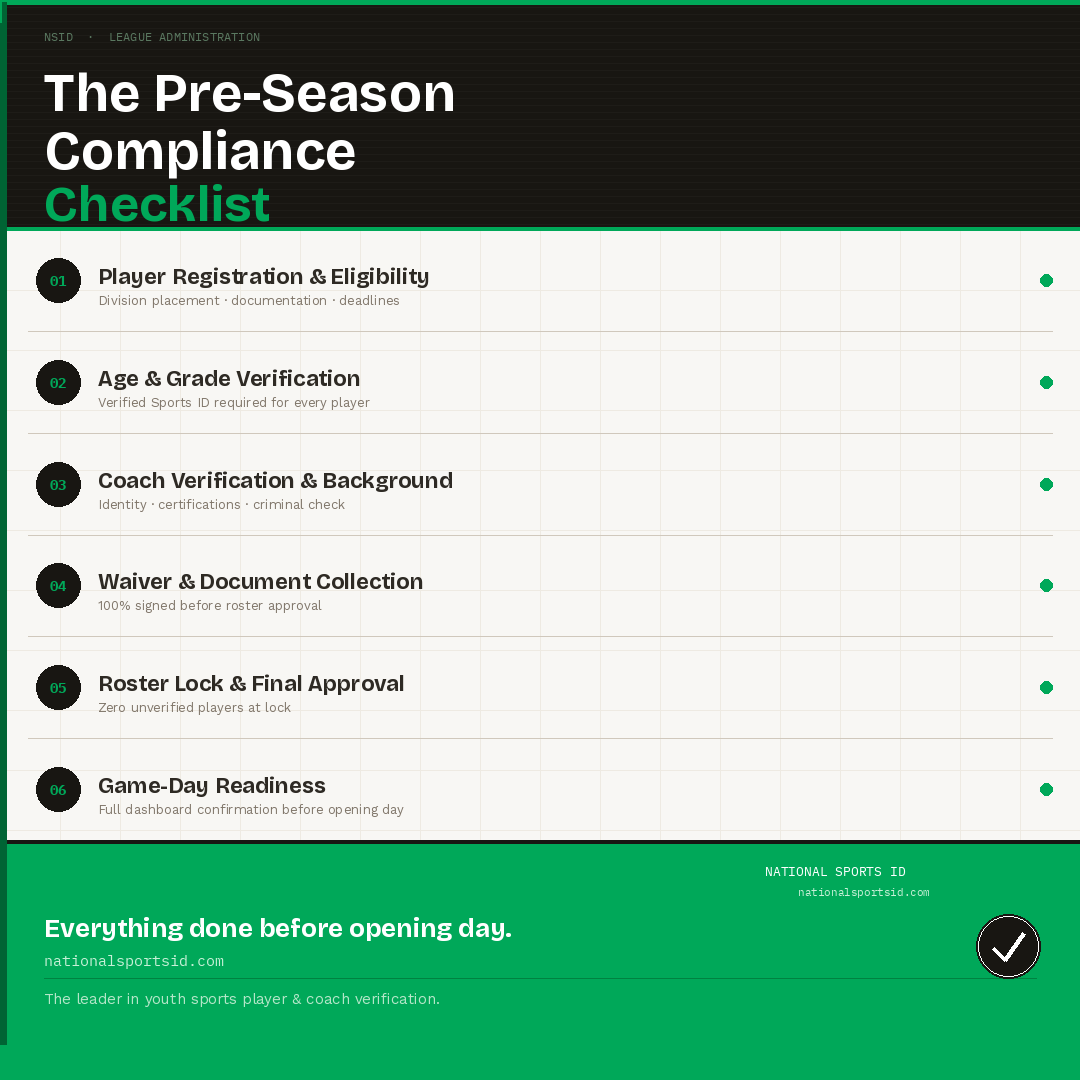
League Administration · Compliance Guide The Pre-Season Compliance Checklist Every Youth Sports League Administrator Needs Quick answer: A complete youth sports league pre-season compliance checklist covers six areas — player registration and division placement, age and grade verification, coach verification and criminal background checks, waiver and document collection, roster lock and final approval, and game-day…