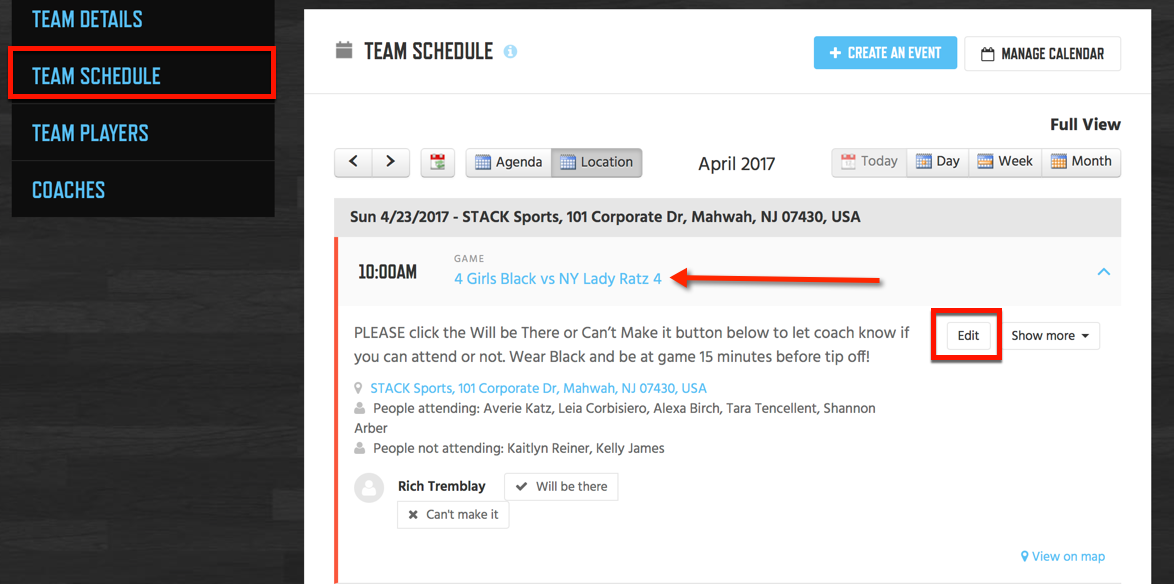
If you created an event and need to edit it because something has change you can do that by following the instructions below.
Instructions:
- Log into Your Account.
- Visit Your Team.
- Click Team Schedule.
- Click the Event Title to Open the Details.
- Click Edit.
Note: You can also Edit an Event from inside your Google Calendar Account and the change will take effect in NSID in just a few seconds.